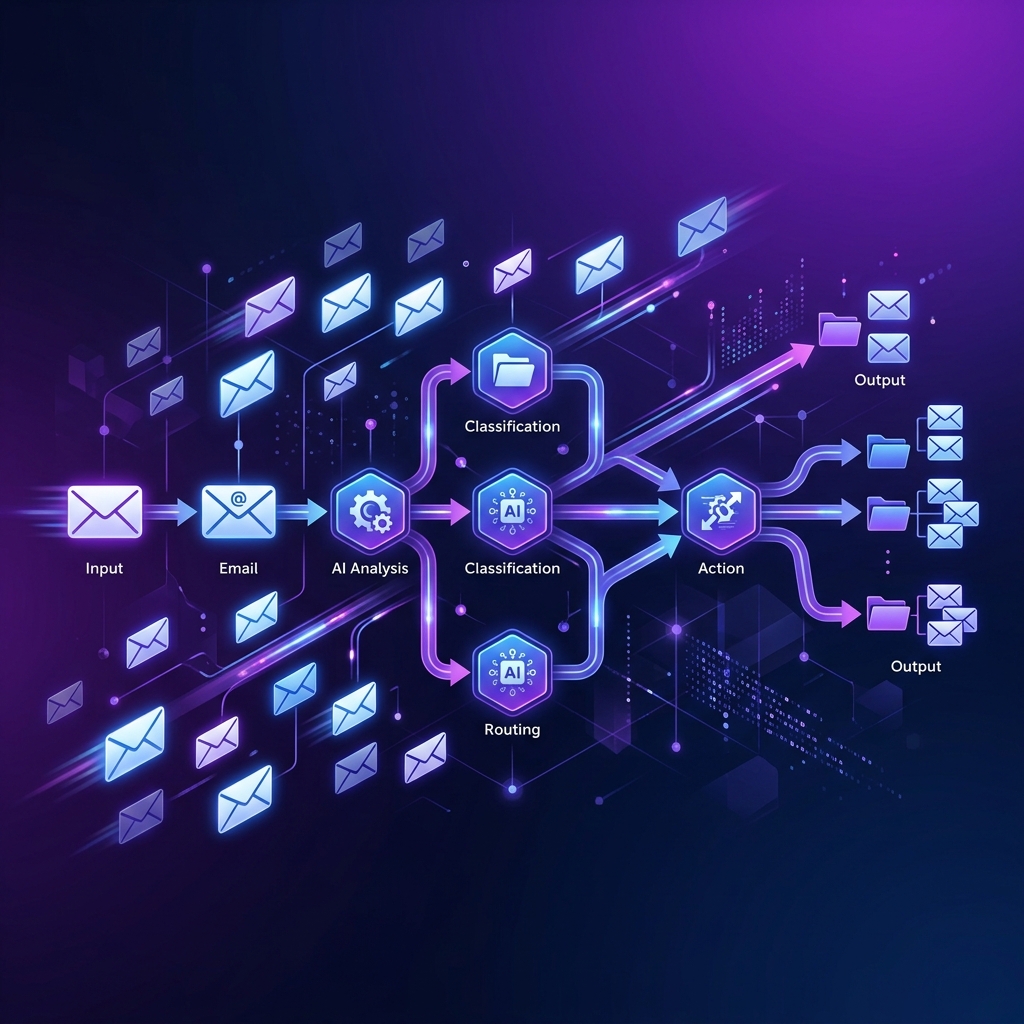
Building a Reliable AI Email Triage Pipeline with n8n
Most inboxes don't fail because of volume. They fail because unstructured information stays unstructured. Emails arrive with varied formats, unclear intent, and no priority signal · and they pile up.
To explore this problem, I built an AI-assisted email triage workflow using n8n. Here's what I built and what it taught me about reliable automation.
The Problem
An inbox full of unprocessed emails is really a pile of unstructured data. Before you can act on any email, you need to answer: What is this about? How urgent is it? What's the next action?
Doing this manually at scale is unsustainable. Doing it with pure AI is unreliable · models hallucinate, produce inconsistent formats, and can't always be trusted without validation. The solution is a hybrid approach.
The Pipeline Architecture
Incoming emails automatically flow through a five-stage processing pipeline:
Email Arrives
    ·
    ?
[Stage 1] Clean Raw Text
  · Strip HTML, signatures, footers
  · Normalize whitespace and encoding
    ·
    ?
[Stage 2] AI Classification (LLM Call)
  · Intent: support / sales / billing / other
  · Sentiment: positive / neutral / negative
  · Key entities: product, company, person names
    ·
    ?
[Stage 3] Urgency Scoring (Rules Engine)
  · Keyword matching (urgent, ASAP, deadline)
  · Sender domain priority rules
  · Time-sensitive phrase detection
    ·
    ?
[Stage 4] Confidence Validation
  · Check AI output confidence scores
  · Validate required fields present
  · Route low-confidence emails to human review
    ·
    ?
[Stage 5] Structured Output
  · Write to database / spreadsheet
  · Trigger downstream actions (assign ticket, send auto-reply)
  · Log for monitoring
Each Stage Explained
Stage 1: Clean Raw Text
Email content is messy. HTML tags, email signatures, forwarded thread history, and encoding artefacts all add noise. A preprocessing step strips all of this before the AI sees the content. The model gets clean, focused text · not a mess of HTML.
Stage 2: AI Classification
A single LLM call handles the semantic understanding work · intent, sentiment, and entity extraction. The prompt is structured to return a JSON object with explicit fields and confidence scores. The AI does what it's good at: understanding meaning.
Stage 3: Urgency Scoring
This is pure rules-based logic. Keyword lists, sender priority tiers, and phrase patterns determine an urgency score. No LLM needed · deterministic rules are faster, cheaper, and more predictable for this signal.
Stage 4: Confidence Validation
Every AI output is validated before it moves forward. If confidence is below threshold, or required fields are missing, the email is routed to a human review queue rather than failing silently. This is the safety net.
Stage 5: Structured Output
Validated, structured records are written to the destination system · database, spreadsheet, CRM · and downstream actions are triggered. Everything is logged for monitoring and audit.
The Key Insight: AI Is Just One Step
The most important realization from building this pipeline: the AI call itself is only one step in five.
The reliability of the entire system depends on what's around the model · the preprocessing, the validation, the error handling, the routing logic. The LLM provides semantic understanding that rules can't. The rules provide structure and predictability that LLMs can't guarantee.
Probabilistic + Deterministic = Reliable
This hybrid architecture is the key to dependable automation:
- Probabilistic AI handles ambiguous, semantic tasks where rigid rules would break
- Deterministic rules handle structured, high-confidence decisions where speed and reliability matter
- Validation gates ensure that probabilistic outputs meet minimum quality bars before propagating
Neither approach alone is sufficient. Together, they create automation that's both intelligent and reliable.
Why n8n Works Well Here
n8n's visual workflow builder makes multi-stage pipelines easy to reason about and modify. Each stage is a node. Branching logic (route to human review vs. auto-process) is explicit and visible. Adding a new stage doesn't require touching existing code · just add a node.
Combined with REST API integrations, n8n connects the AI pipeline to any downstream system without custom glue code.
Lessons Learned
- AI automation is most reliable when AI handles only what rules can't
- Validation gates before any downstream action prevent silent failures from propagating
- Preprocessing quality directly affects AI output quality · garbage in, garbage out
- Structured logging from the start makes debugging automations far less painful
- Human fallback paths for low-confidence outputs make automation safe to deploy incrementally
Building email automation or workflow pipelines? I've built this stack.
Get In Touch