Building a Real-Time Collaborative Code Editor with WebSockets
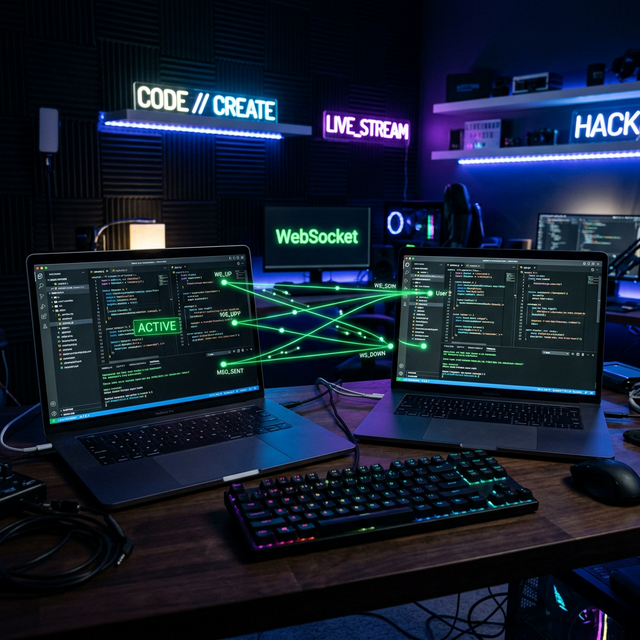
Multiple users, one editor, instant synchronization across every keystroke. Here's the complete architecture of my WebSocket-powered collaborative code editor — built from scratch without any third-party collab SDK.
The Core Challenge: Real-Time State Sync
The hardest part of building a collaborative editor isn't the code editor UI — it's keeping the state consistent across multiple disconnected clients in near real-time. You have two users typing simultaneously. How do you prevent conflicts? How do you handle network lag? How do you recover when one user disconnects?
I solved this with a simple but effective pattern: server as the single source of truth. Every change is pushed to the server via Socket.IO, the server updates the master state, and broadcasts the new state to all other clients in the room.
The Architecture
Client A (types) → Socket.IO event → Flask-SocketIO server
                                    ↓
                              Update room state
                                    ↓
                    Broadcast to all clients in room (except sender)
                                    ↓
                    Client B, C receive → update their editors
Room Management
Every collaboration session is a "room." A room has an ID (UUID), a current code state, and a list of connected users. When a user joins a room:
@socketio.on('join_room')
def on_join(data):
    room_id = data['room_id']
    join_room(room_id)
    # Send current code state to the newly joined user
    if room_id in rooms:
        emit('sync_code', {'code': rooms[room_id]['code']})
    else:
        rooms[room_id] = {'code': '', 'users': []}
    rooms[room_id]['users'].append(request.sid)
Handling Simultaneous Edits
The main edge case: two users type at the same time. My approach was deliberate simplicity — "last write wins" strategy with debouncing on the client side. Every 100ms of inactivity triggers a sync event. This means:
- You don't get a sync event per keystroke (too much noise)
- You get synced state within 100ms of stopping typing (fast enough to feel real-time)
- Conflicts are resolved by whichever update arrives at the server last
For a production system, I'd use Operational Transforms (OT) or CRDTs — but for a 4-person coding session, "last write wins + debounce" works without the added complexity.
The Frontend
I used CodeMirror 6 for the editor component — it supports syntax highlighting across 30+ languages and integrates cleanly with JavaScript events. The editor listens for changes, debounces them, and emits to the server:
let debounceTimer;
editor.on('change', () => {
  clearTimeout(debounceTimer);
  debounceTimer = setTimeout(() => {
    socket.emit('code_change', {
      room_id: currentRoom,
      code: editor.getValue()
    });
  }, 100);
});
What I Learned About Real-Time Systems
Building this project fundamentally changed how I think about distributed state. A few key lessons:
- Network is not reliable. Handle disconnects. Reconnects. Stale state. Always.
- The server is the authority. Never trust two clients to agree on state independently.
- Simple conflict resolution beats complex concurrency right up to a point. Know where that point is for your use case.
Interested in building real-time applications or custom collaboration tools? Let's talk.
Get In Touch